
Blog
Insights, tutorials and release notes from the Tarot Routing team. Page 2 of 4.
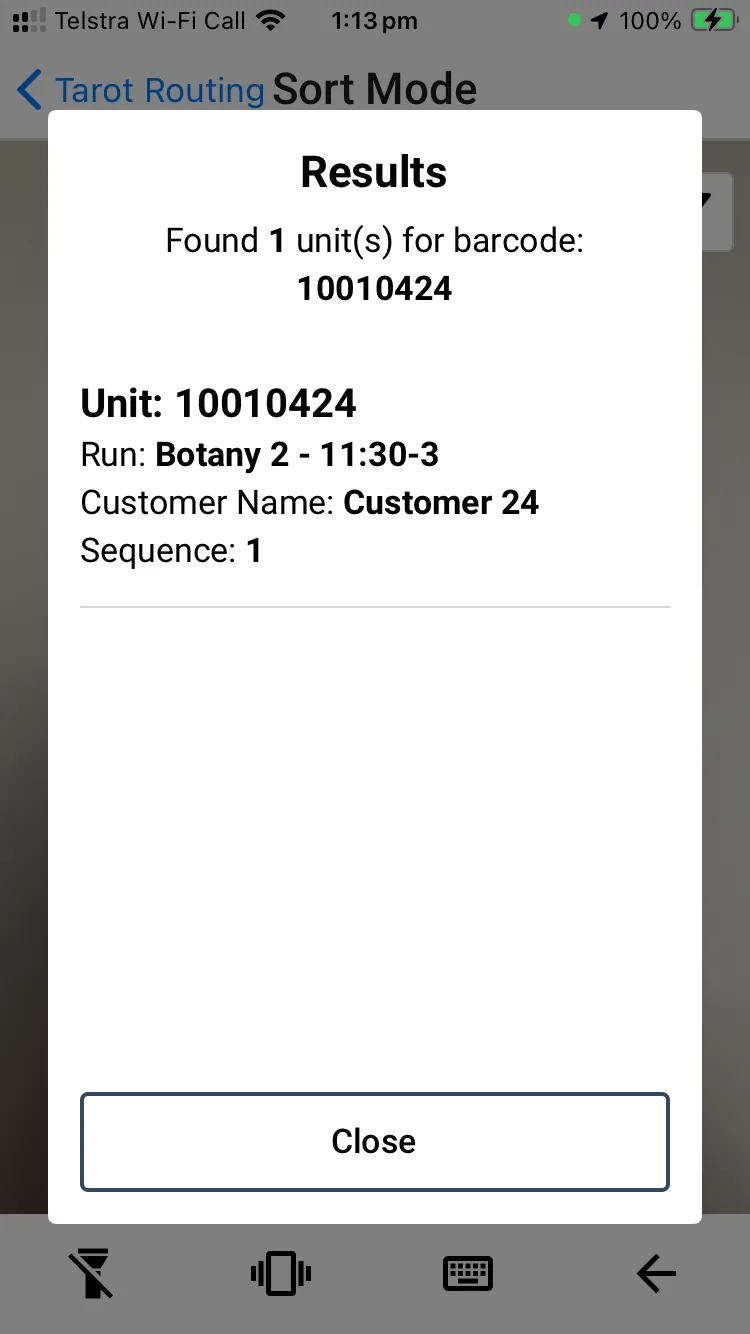
How to Use Sort Mode in Tarot Driver App
Sort Mode in the Tarot Driver App allows users to scan a barcode and instantly view Unit information
Checklists - Release 2.1.8 Notes
Release 2.1.8 with Bulk Update Jobs and Delivery Checklists
Waiting Times and Background Optimisation - Release 2.1.7 Notes
Platform release 2.1.7 went live on the 11th of December with optimiser and waiting time updates
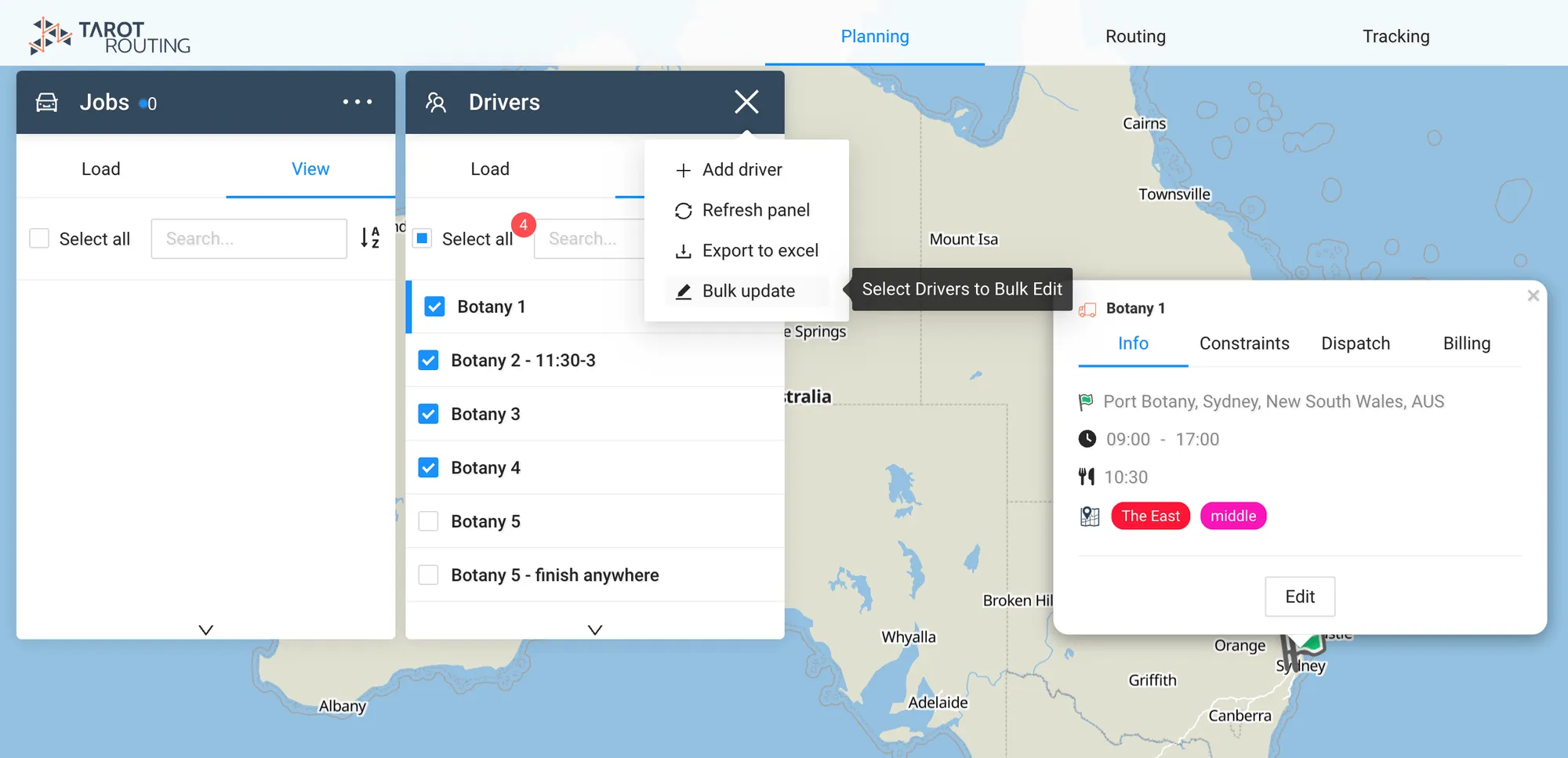
Bulk Update - Release 2.1.6 Notes
Release 2.1.6 went live on the 19th November 2024, you can now bulk update drivers from the map interface.
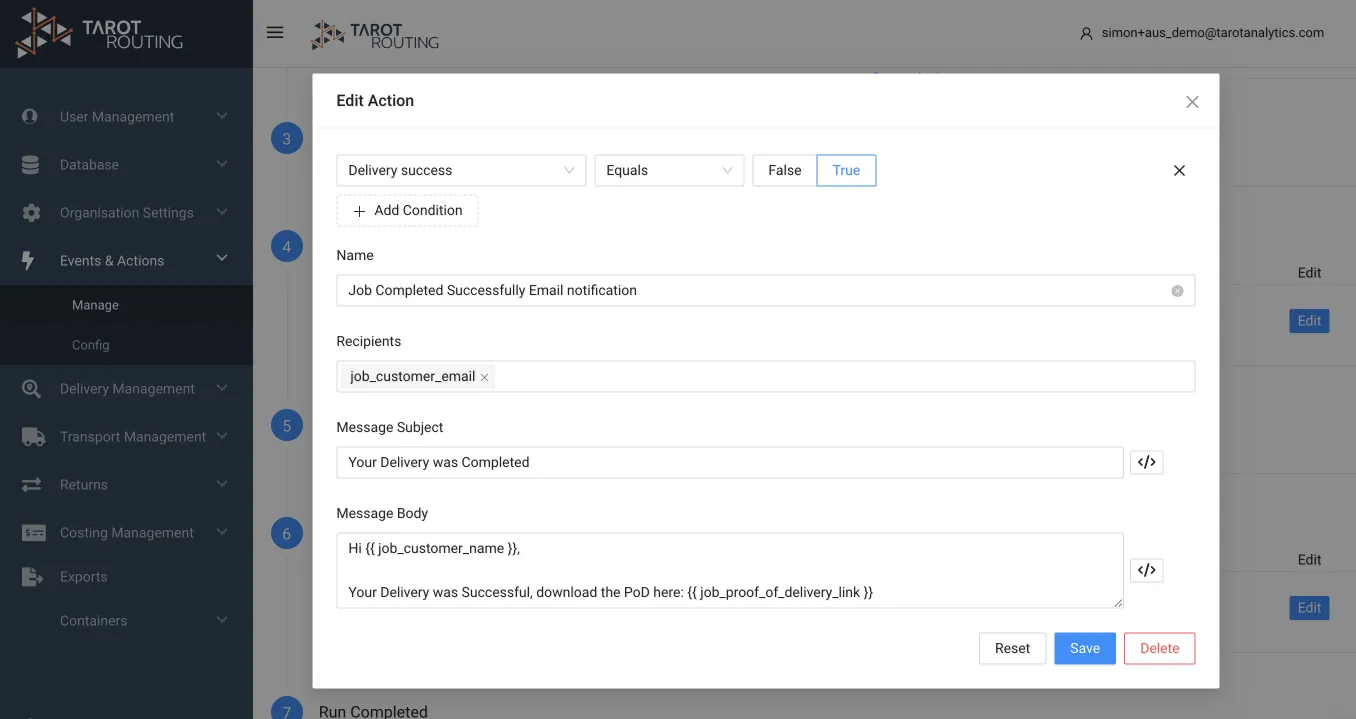
Events and Action!!! - Release 2.1.5 Notes
Release 2.1.5 Notes, now you can set conditions on events and actions
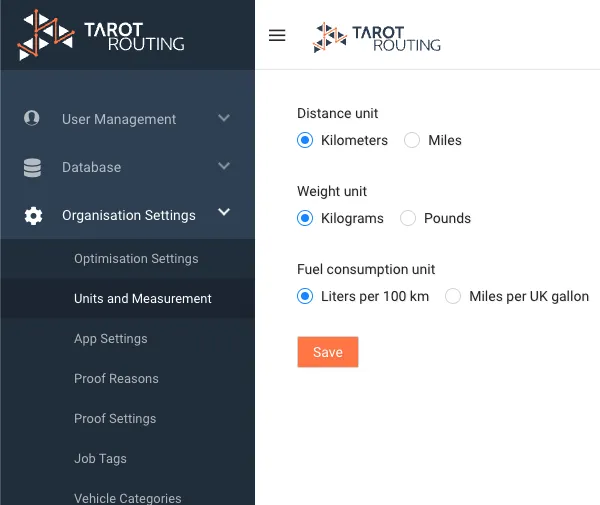
Go for Miles - Release 2.1.2 Notes
Release 2.1.2 includes support for miles, non-metric units and much more
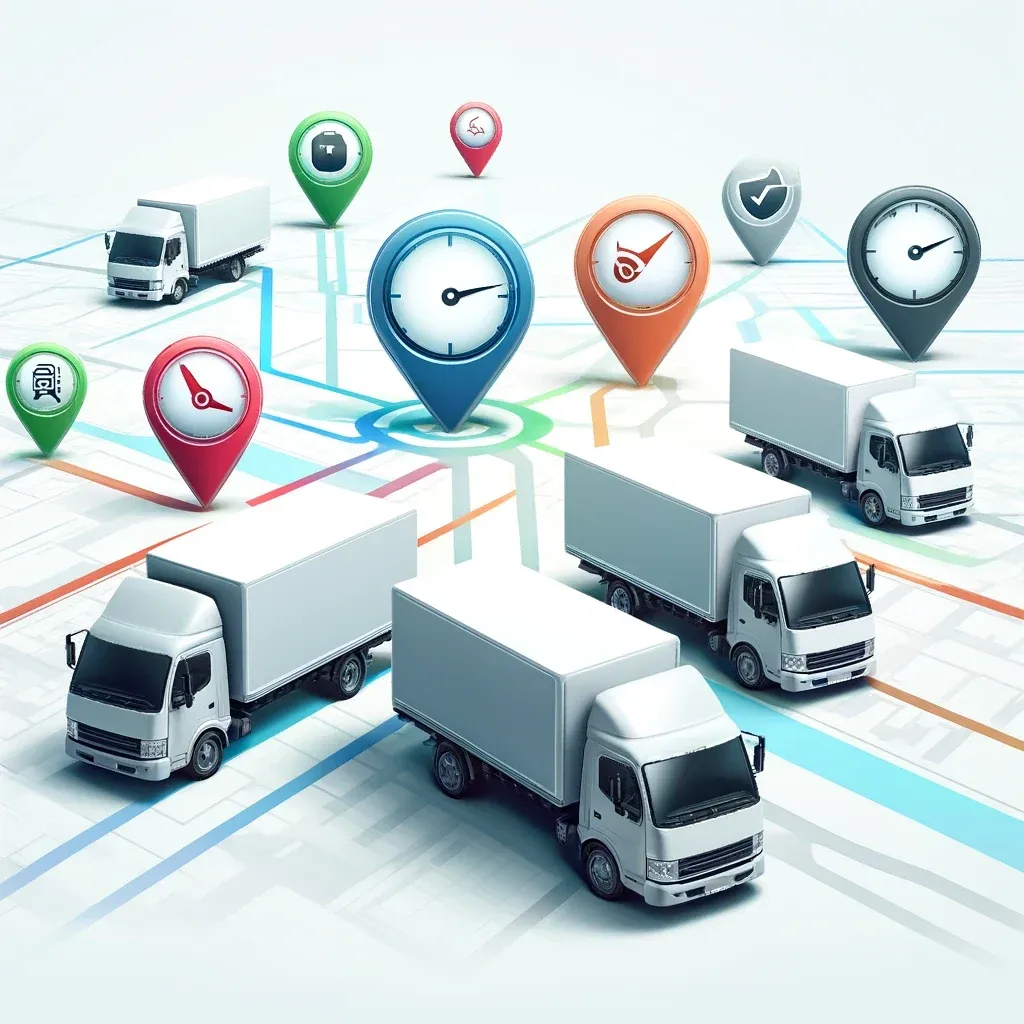
Understanding Optimisation Objectives in Tarot Routing
Understand which of Tarot Routing's optimisaiton objectives: Time, Distance, and Cost, is right for your business.
Tutorial - How to create Driver Users in Tarot
How to create Driver Users in Tarot and set them as default drivers on your Runs
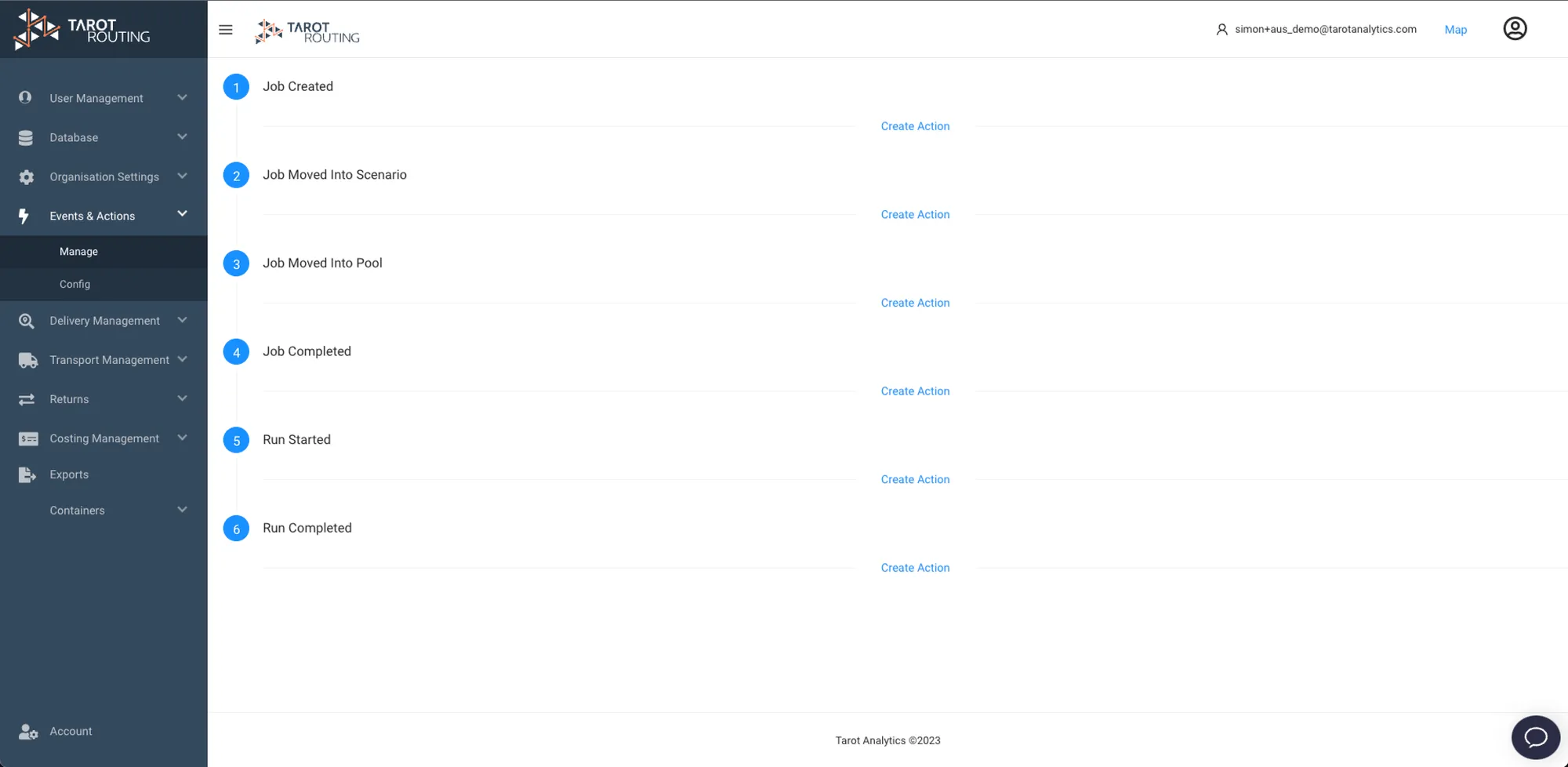
Tutorial - How to Customise and send Delivery Notifications to your Customers
How to configure and send Delivery Notifications to your customers in Tarot Routing using Events and Actions
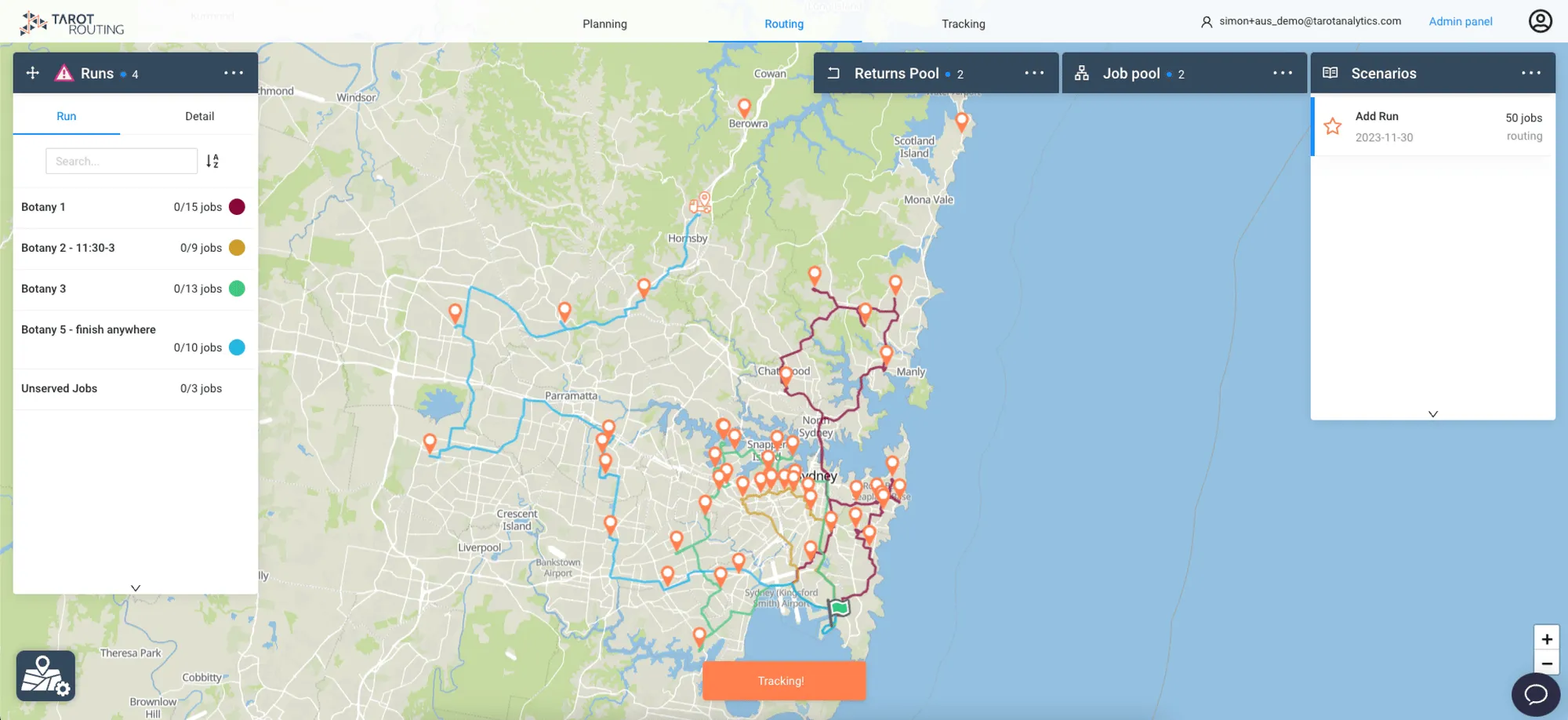
Tutorial - Add a Runs after optimisation in Tarot Routing
This Tutorial will detail how you can use Tarot's Add Run functionality in a Scenario in the Routing Stage, then add Jobs to it.
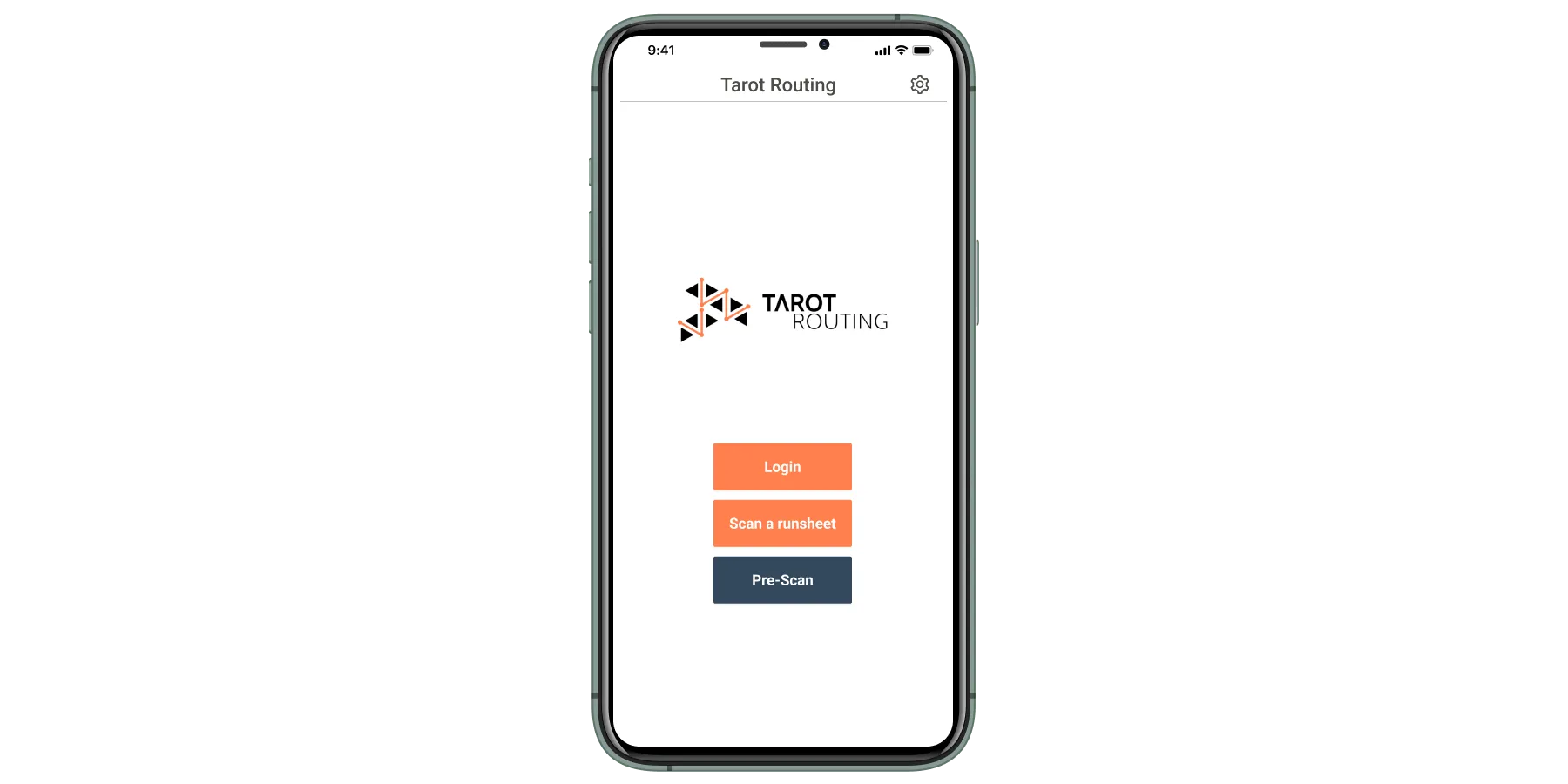
Tutorial - Pre-Scan Barcodes in Tarot Driver App
Deliver Faster. Use Tarot's driver app to pre-scan barcodes and get on the road faster.
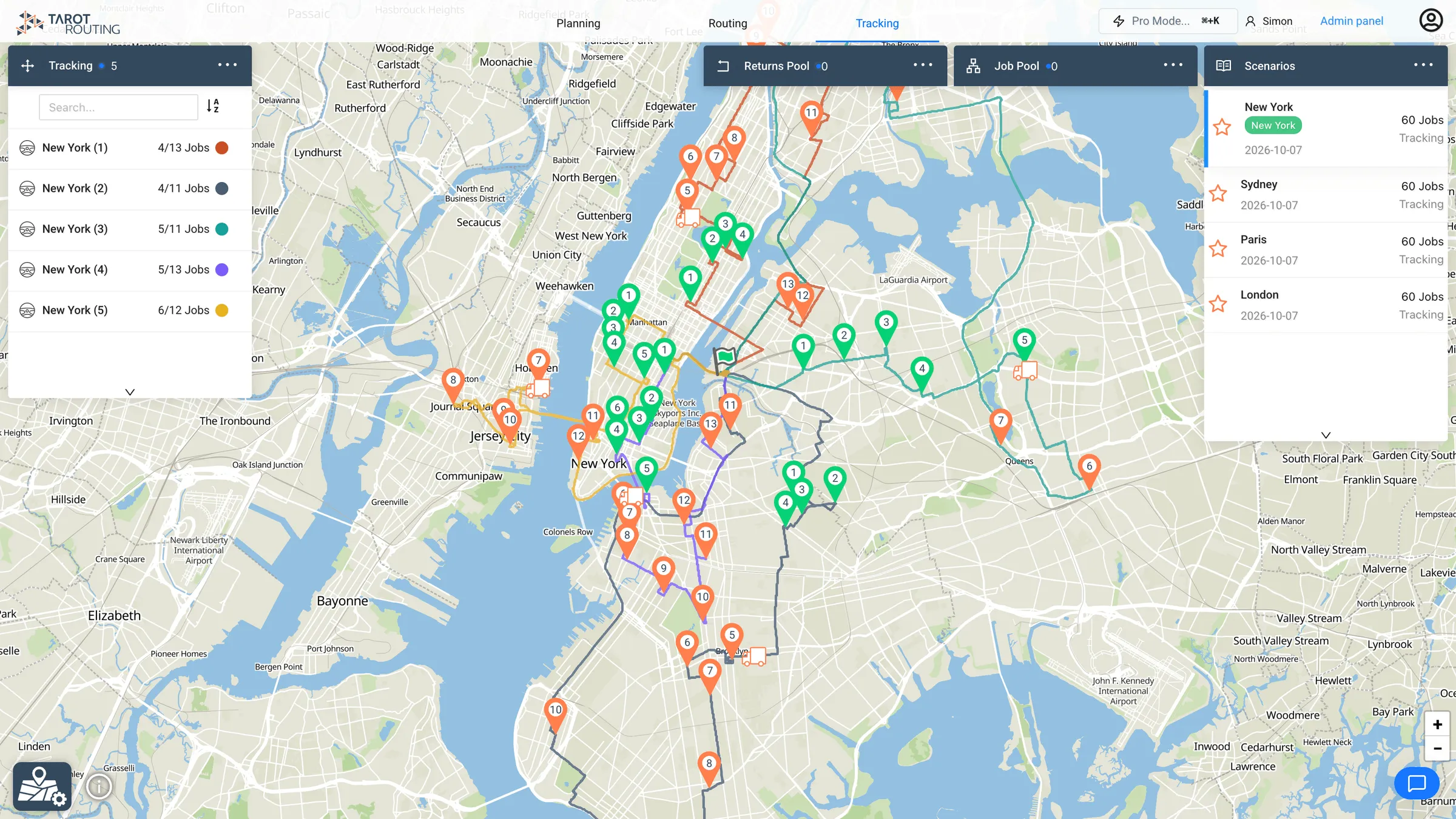
Route Optimisation for Efficient On-Demand Transport
Transforming the Mobility LandscapeIn an era defined by its fast pace, the need for reliable and efficient mobility solutions has become paramount. Whether it's public or privately-run transport services, the demand for a versatile, cost-effective, and eco-friendly solution is higher than ever. Tarot Analytics is reshaping the mobility sector, meeting these needs with innovative technology.Optimising Routes: The Core of Effective MobilityThe secret to an efficient mobility system lies in the int