
Blog
Insights, tutorials and release notes from the Tarot Routing team.
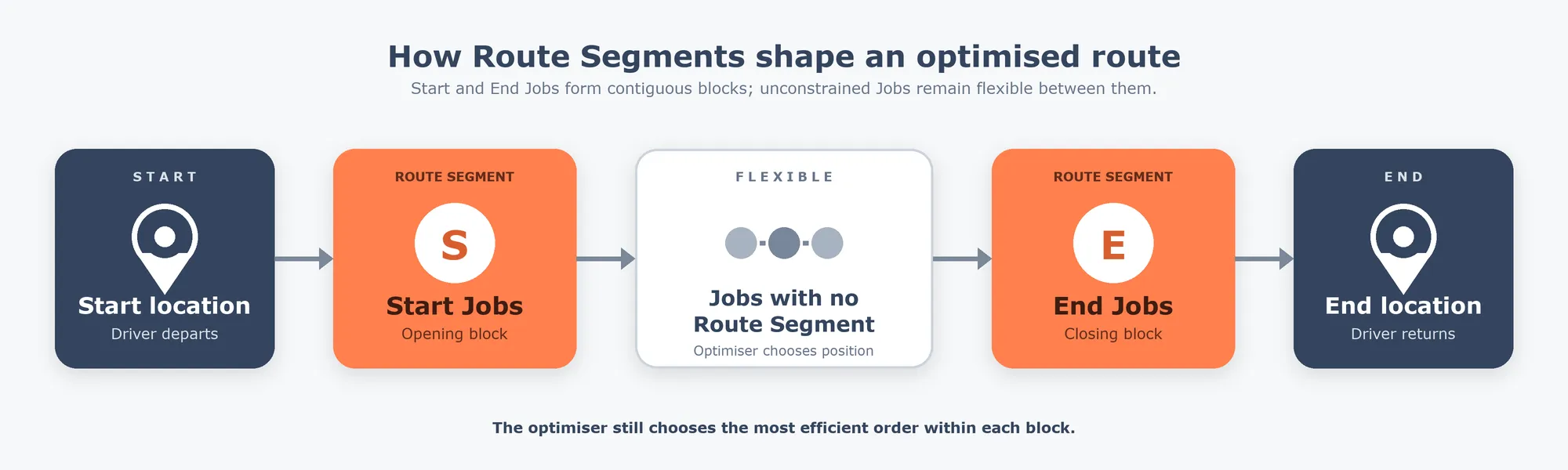
Delivery route sequencing: putting the right Jobs first (or last)
Control which Jobs come first and last in an optimised route, without artificial time windows. How Route Segments work in Tarot Routing.
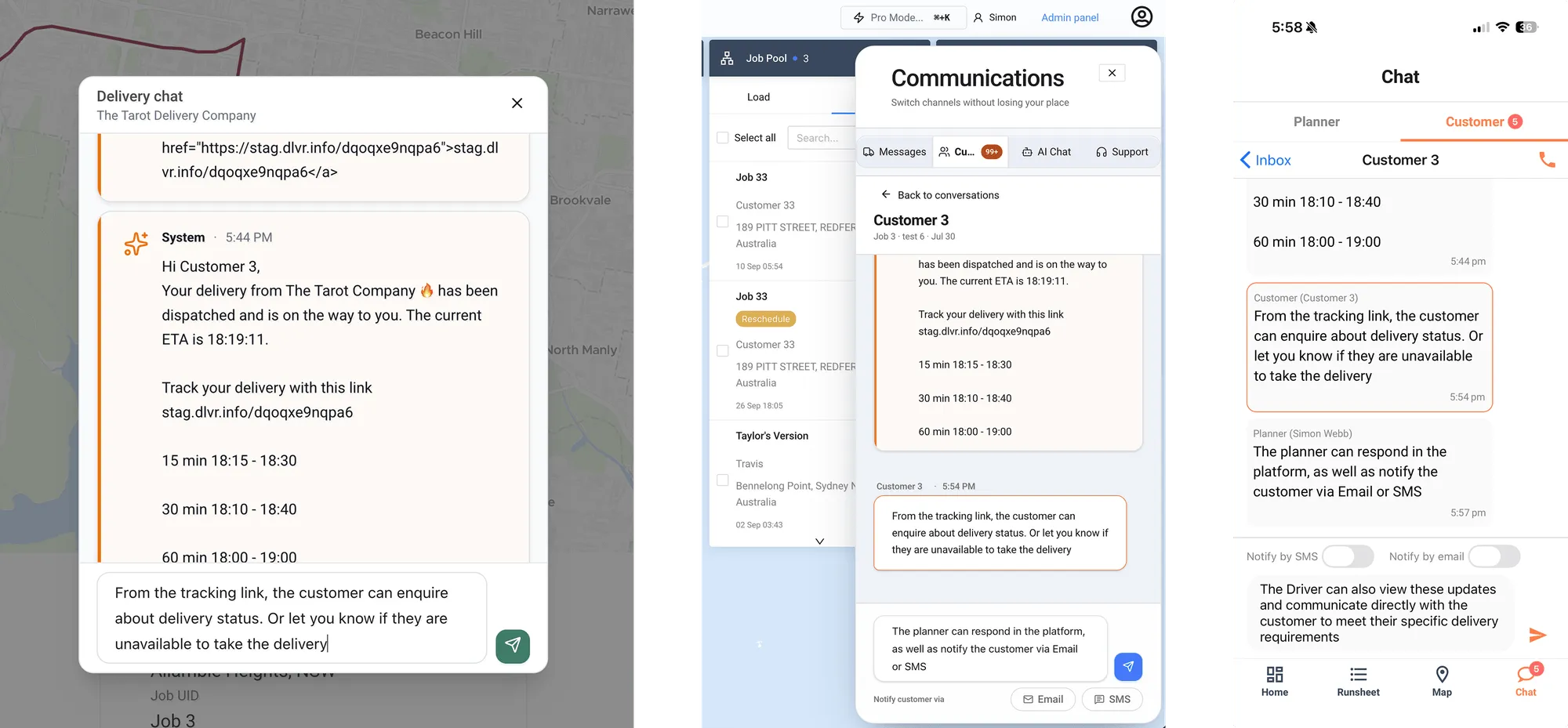
Two-Way Delivery Communication: How to Use Customer Communications in Tarot Routing
Tracking links tell your customer where the delivery is. They don't tell you the driveway is blocked. Here's how to set up two-way delivery communication in Tarot Routing.
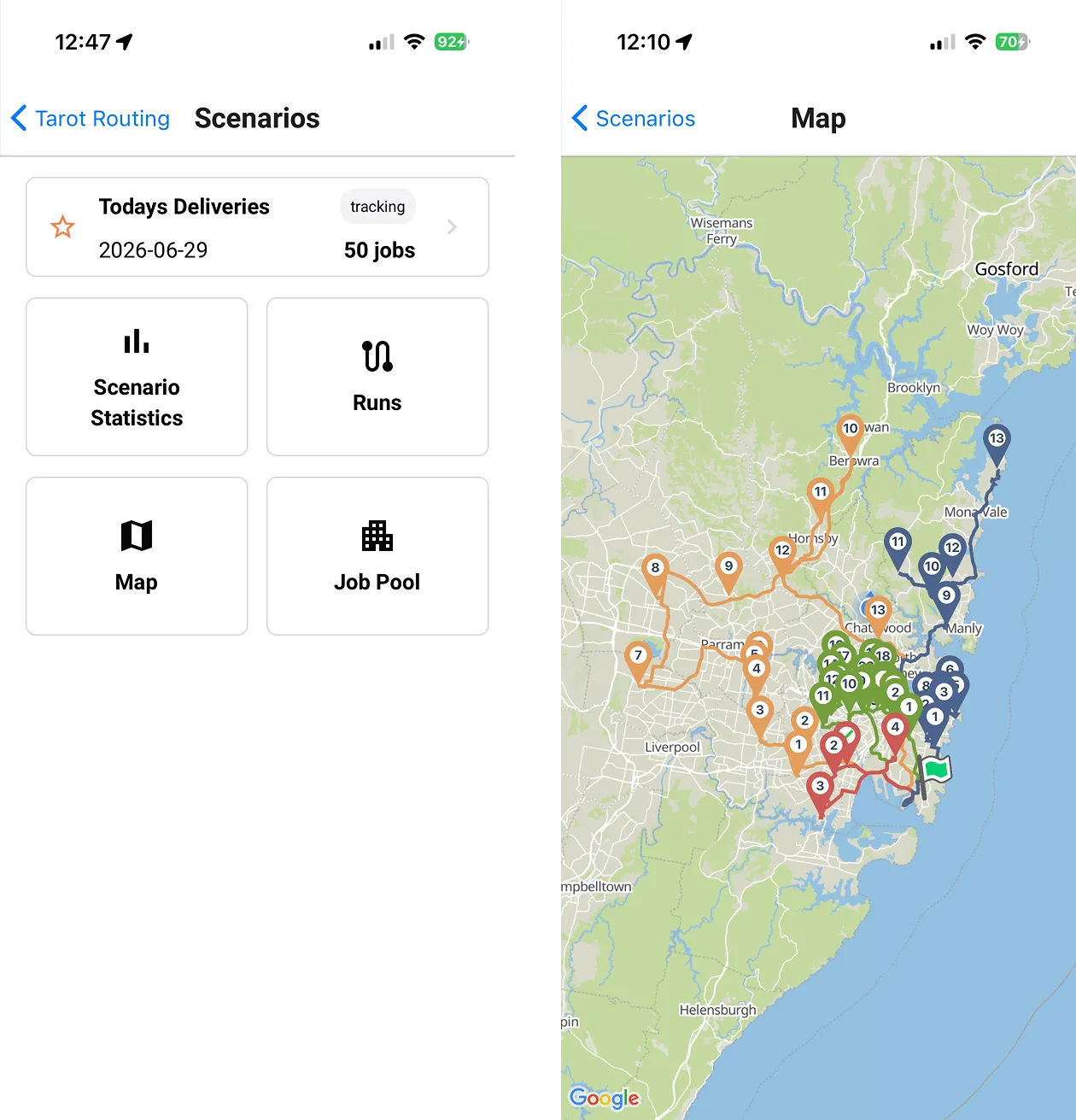
Planner Mode in the Driver App, Route Planning in Your Pocket
Tarot Routing's Planner Mode is now live in the Driver App. Log in as a planner, view your scenarios and runs on a map, reassign jobs and units on the fly, and track progress, all from your phone. Here's exactly how it works.
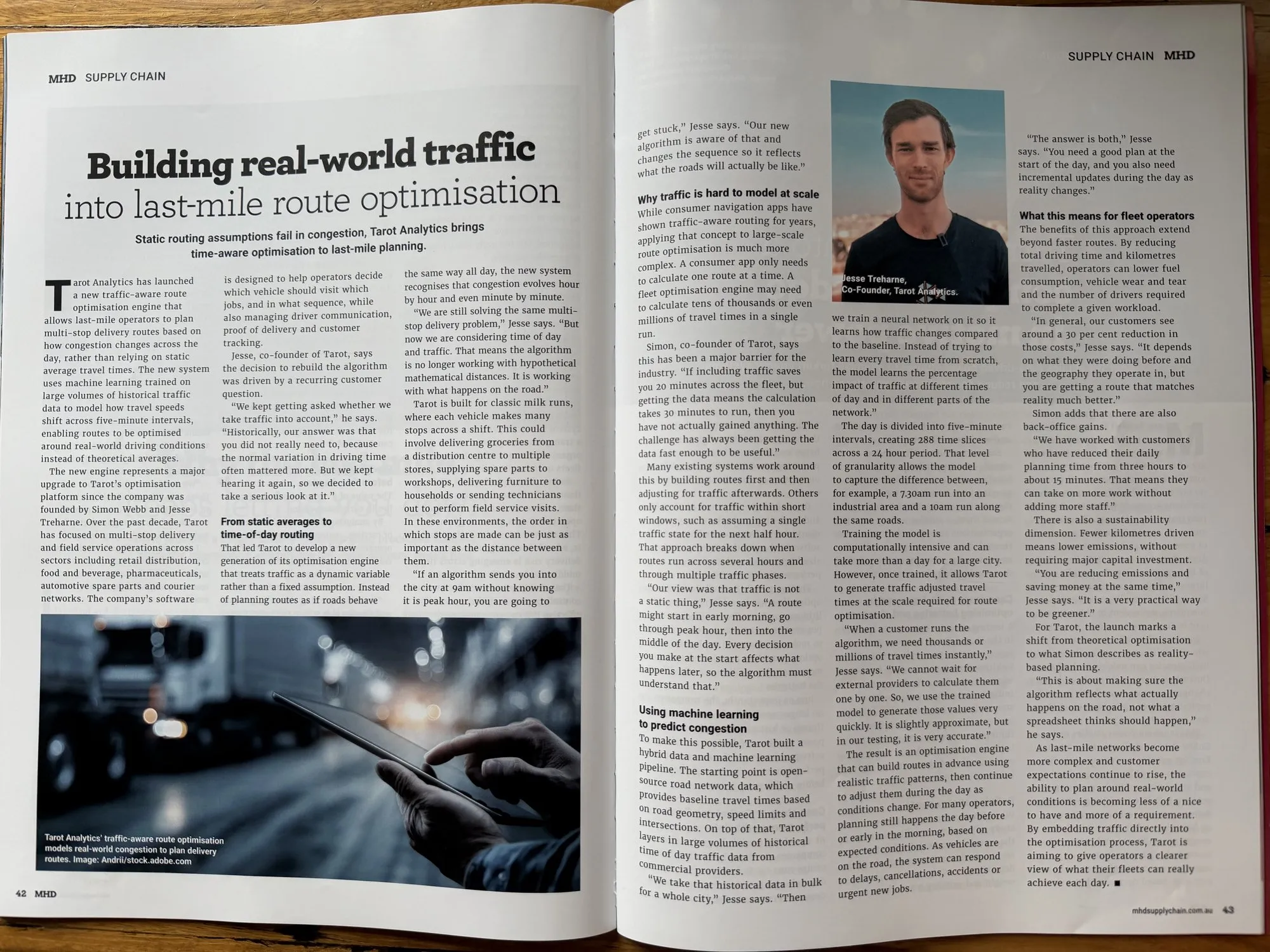
Traffic-Aware Route Optimisation: Planning Around Real-World Congestion
Most route optimisation software assumes roads behave the same way all day. They don’t. Here’s why traffic-aware optimisation is harder than it looks.
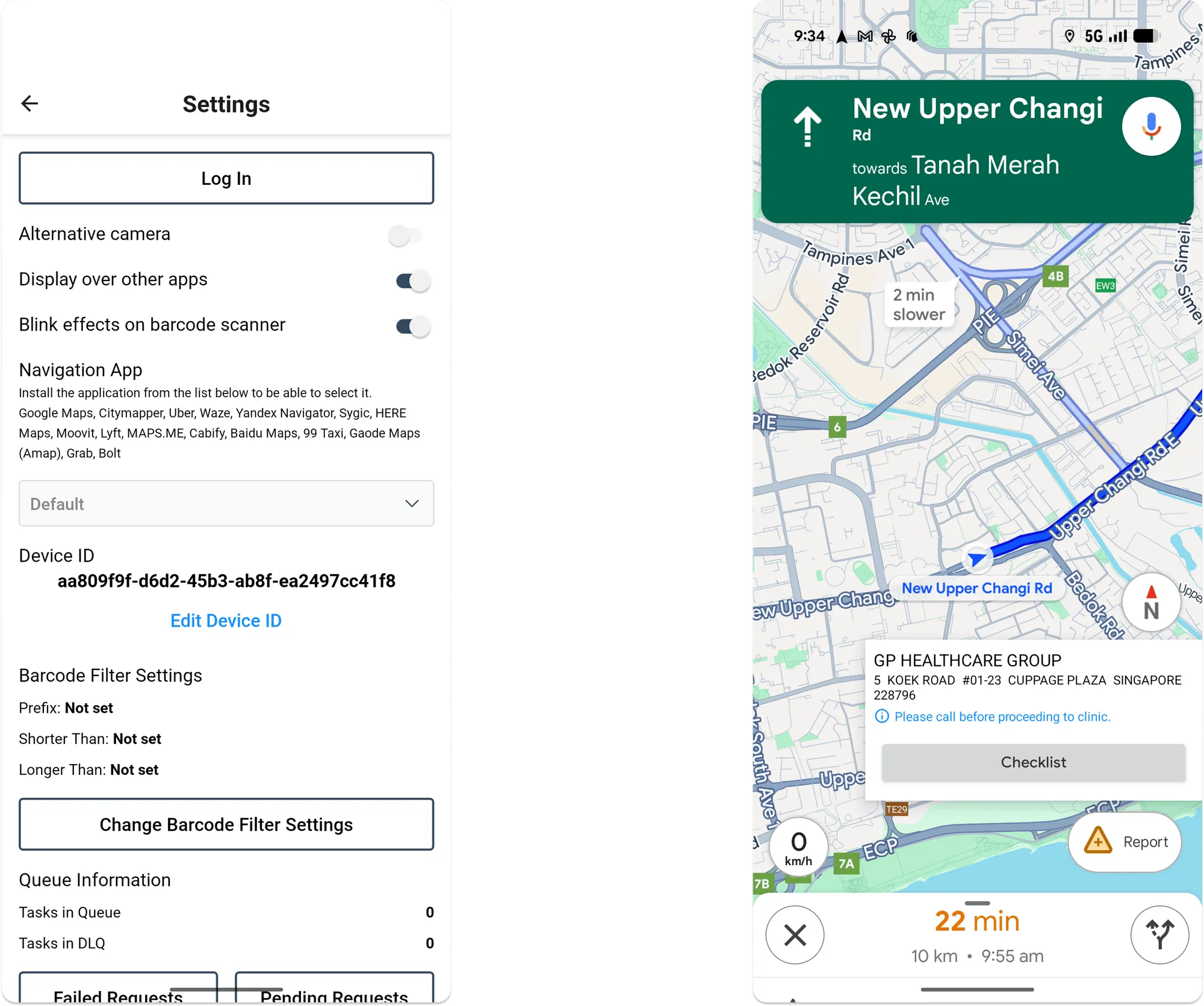
🚗 Driver App Overlay – Navigate Smarter on Android
New in the Tarot Driver App: Android users can now use an on-screen overlay to switch seamlessly between navigation and delivery checklists. Stay efficient and complete deliveries faster with Tarot Routing.
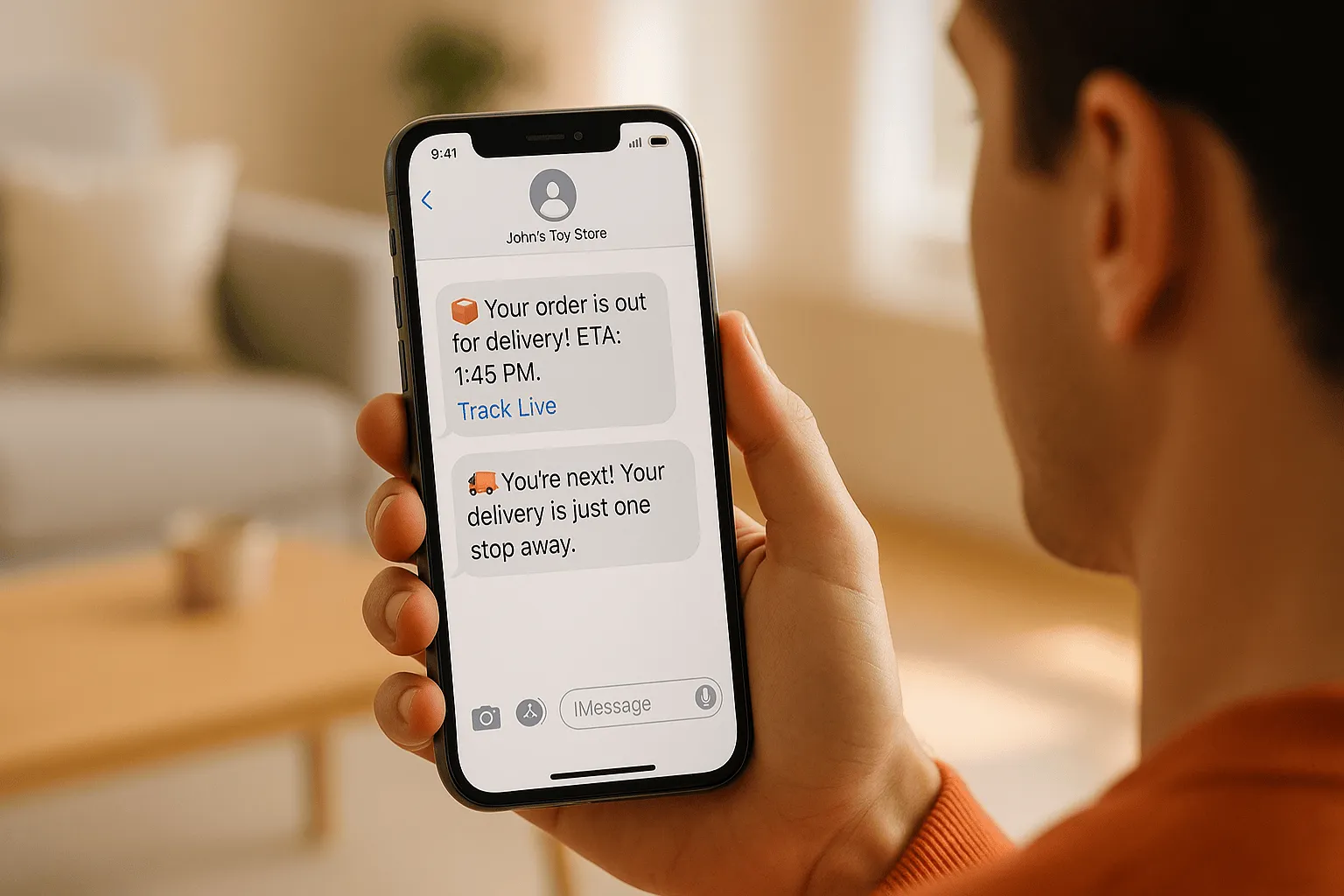
Best Practices for Customer Delivery Communication in 2025
As the 2025 delivery season approaches, it’s the perfect time to review how you communicate with customers. Discover best practices for delivery notifications, SMS updates, and AI-powered automation to reduce failed deliveries and improve customer satisfaction.
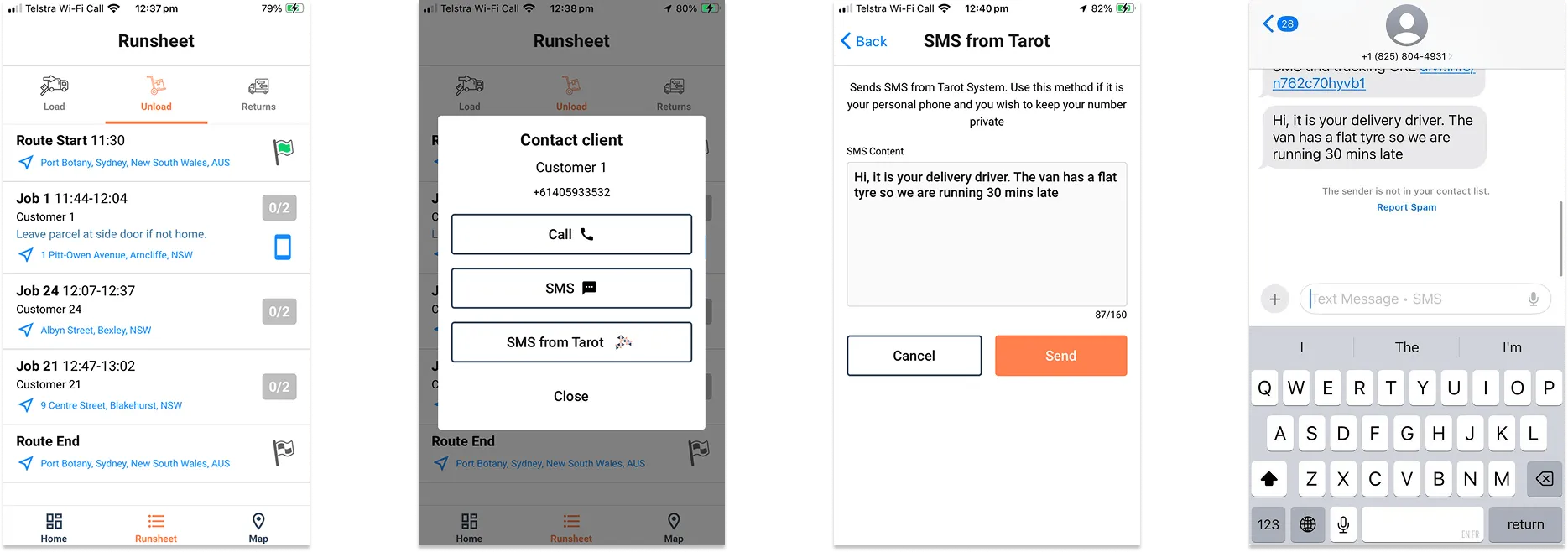
📱 How to Enable and Use Driver SMS in Tarot Routing
Learn how to enable Driver SMS from Tarot Routing so your drivers can update customers through the platform using your organisation’s SMS platform. It’s just the beginning of the new Tarot Communications module.
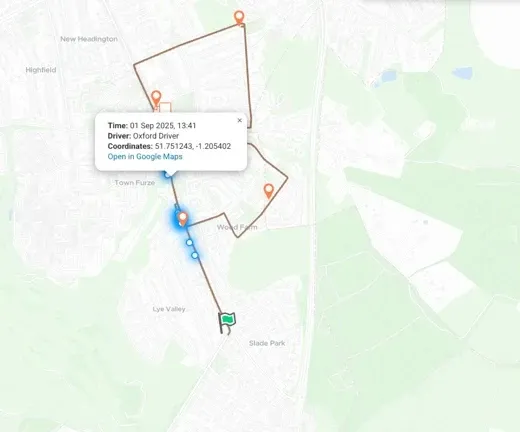
🌍📦 Releases 2.1.13 + 2.1.14: Smarter Maps, Personalised SMS
Platform releases 2.1.13 and 2.1.14 went live in September 2025, delivering major visual and usability upgrades to Tarot Routing. With brand-new Tarot map tiles, smarter timeline tools, multi-image delivery checklists, and improved GPS tracking, planners and drivers alike will notice smoother, faster workflows across the platform and app.
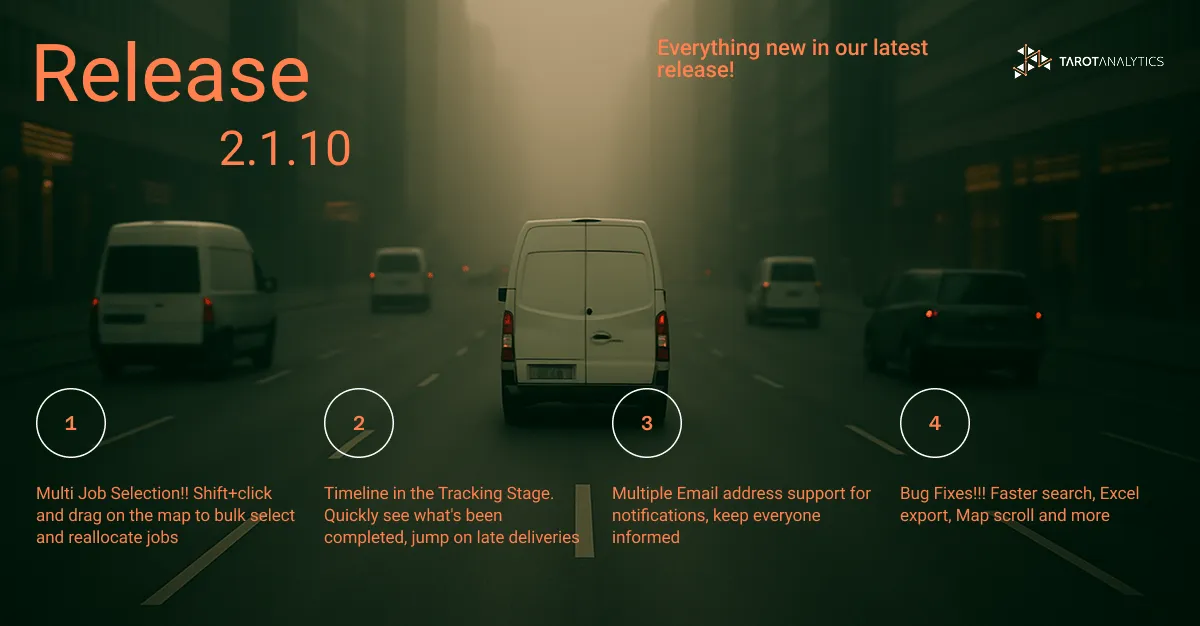
🚀 Release 2.1.10 – Smooth Navigator
All the good stuff in Platform release 2.1.10
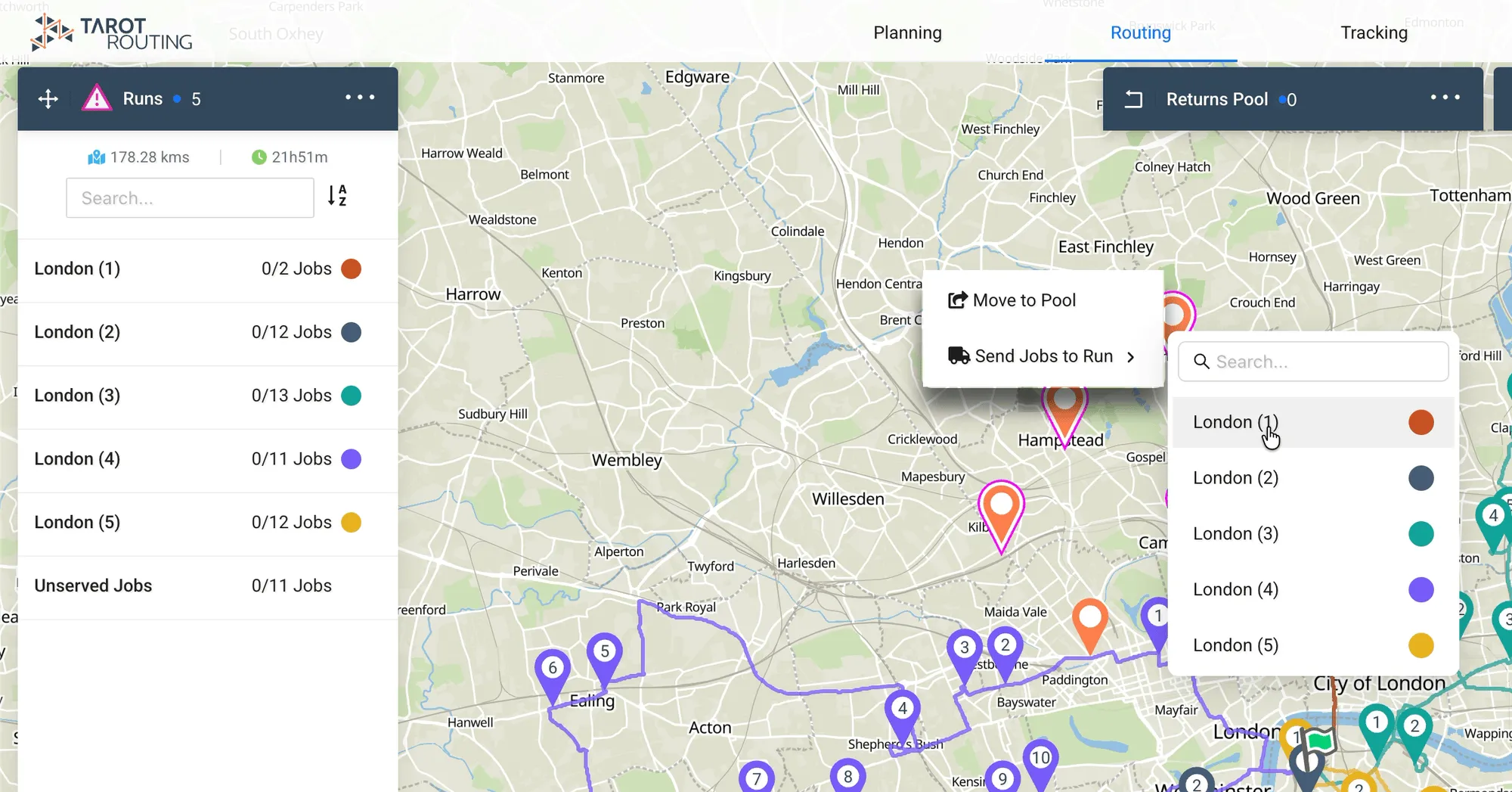
How to Select Multiple Jobs from the Map in Tarot Routing
New Feature: multi-selecting Jobs directly from the Map using SHIFT + Click and Drag.
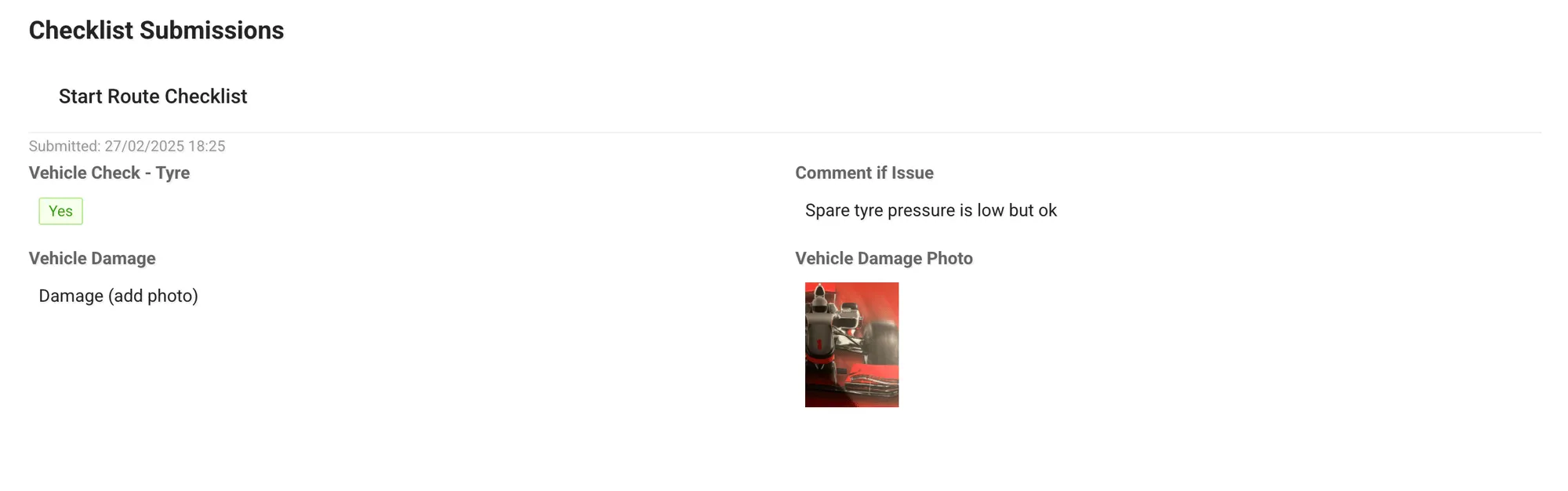
February 2025 - Release 2.1.9 Notes
New Tarot Routing Features and Improvements in our February 2025 release 2.1.9
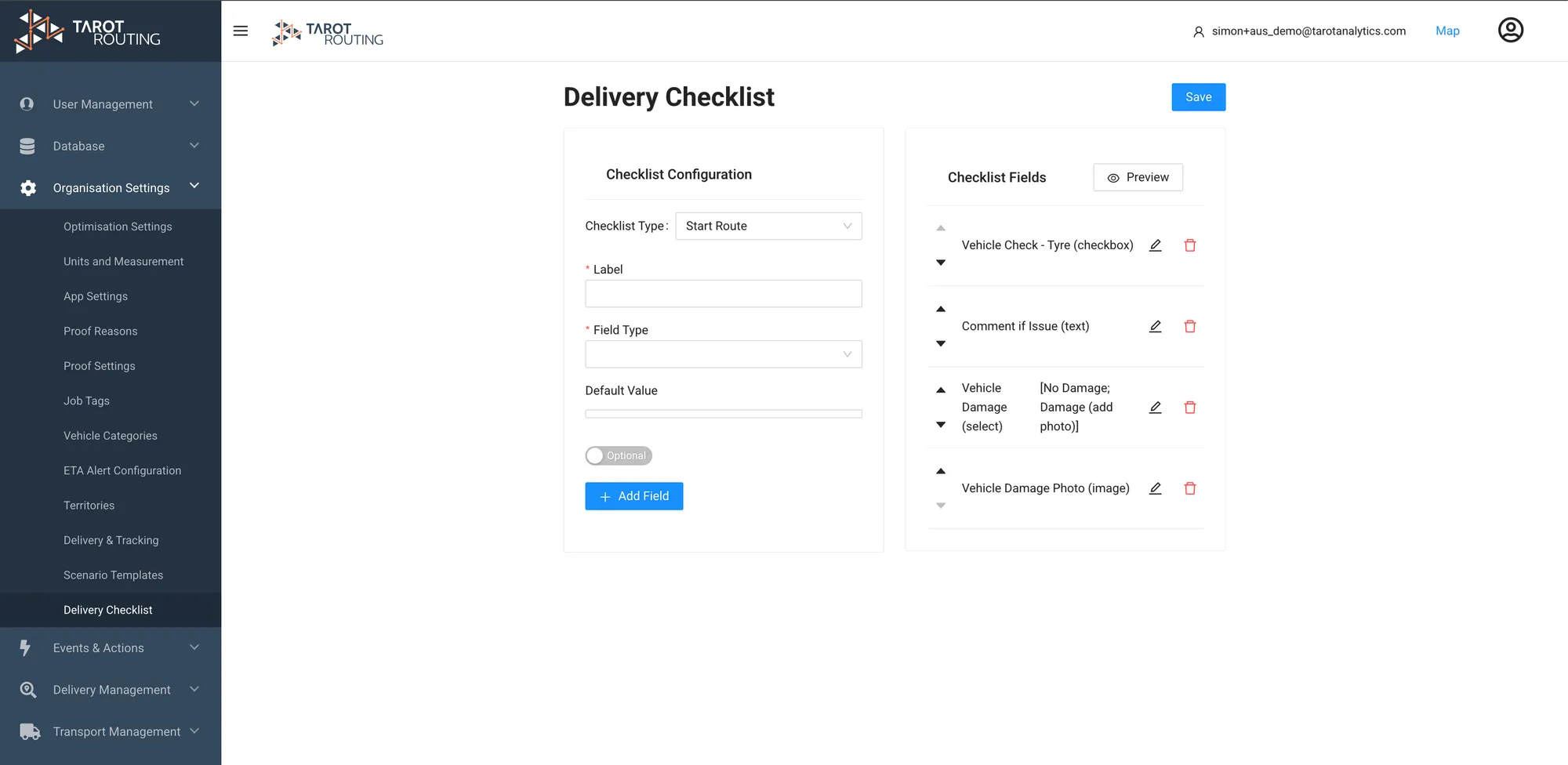
How to Create and Use Start Route Checklists in Tarot Routing
Start Route Checklists in Tarot Routing allow Users to gather important Proof information before commencing a Route